Material changes volume from the cut to the truck to the fill. Here’s what to check in the geotech and the spec before you lock import, export and haul.
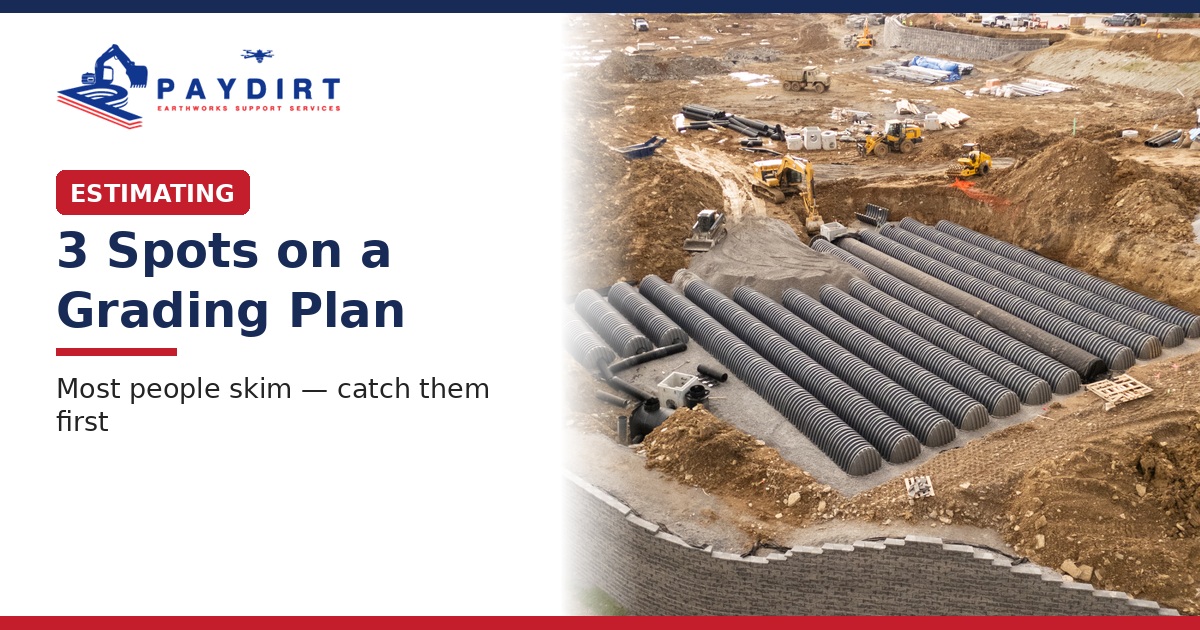
A cut/fill number is only as good as the sheets behind it. Most excavation estimators open the grading plan, glance at the contours, and move on. The misses that blow a bid usually sit in three places people skim: where existing and proposed grades fight each other, where spot elevations and finished floors fight the slopes, and where the margin notes say something the contours don't.
We see the same pattern across excavation bids in 40+ states: solid software output, weak sheet reading. The fix is a short desk check — not another assumption.
Pricing a job now? Send us your plans.
The design grades tell you where the dirt is supposed to end up. The existing contours tell you what is already there. Where those two fight — steep daylight lines, unexplained fill pockets, a pad that sits far above or below the existing surface — your dig and fill story changes.
Check: Trace existing and proposed through the pad, parking and drive areas. Mark every place the difference is larger than the surrounding slope can explain. Those marks are your first cut/fill questions, not afterthoughts.
A finished floor elevation that looks fine in a schedule can still fight the grades around it. When the FFE, the pad elevation and the surrounding slopes don't agree, you inherit undercut, import, retaining or rework you may not have priced.
Check: Pull every spot elevation and FFE that touches the work. Compare each one to the nearest contours and to the sections. If the sheet needs a wall, a bench or a thicker section to make the number work, put it on the clarification list before you lock unit costs.
Undercut, match existing, temporary stockpile, phase lines, "see civil detail," and "verify in field" notes live in the margins and keynotes. If you only read the contour ballet, you miss the instructions that change stripping, haul and sequencing.
Check: Read the legend, the general notes and every clouded callout on the grading sheets. Copy anything that changes quantity or production onto a one-page checklist next to your takeoff.
Before you trust the software total:
That list will not catch every miss. It catches the ones that show up most often when a bid goes sideways after award.
With Paydirt, 3 sets of eyes check every project before it reaches your desk — including a pass that is specifically about reading the grading sheets, not just running the model.
Contours, spot elevations, margin notes. Open all three before you lock the number.
Send us your plans through our work order request form (https://paydirtsupport.com/work-order-request-form/), or call 843-900-1002.
Paydirt: Complete Bid Proposals. Field Knowledge. Ongoing Support.
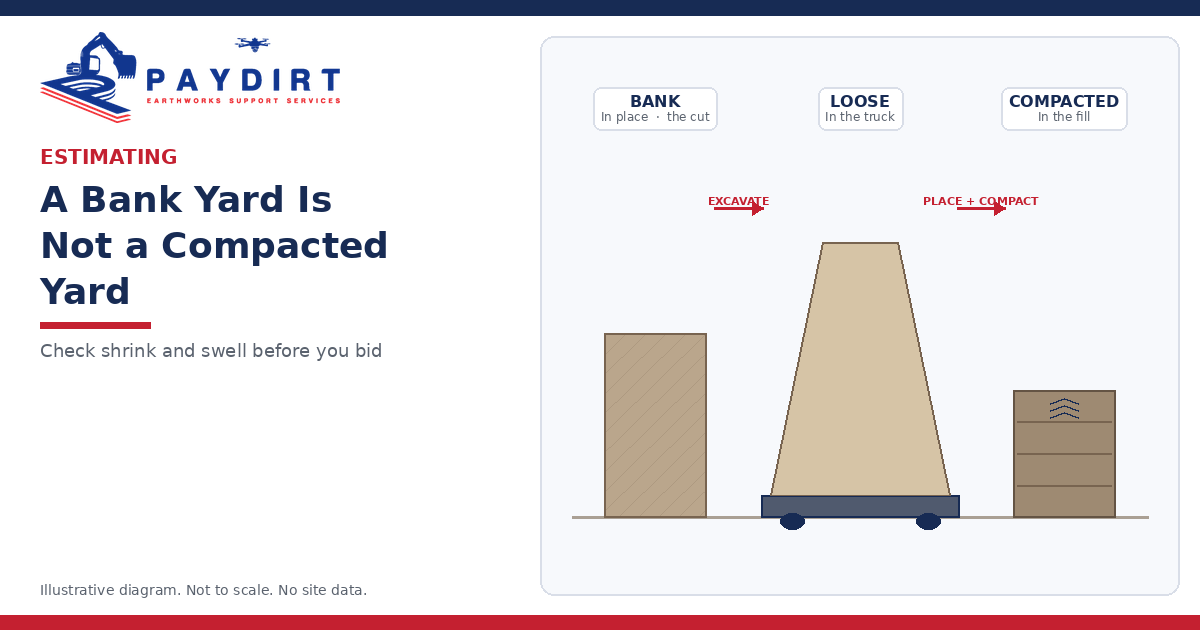
Material changes volume from the cut to the truck to the fill. Here’s what to check in the geotech and the spec before you lock import, export and haul.
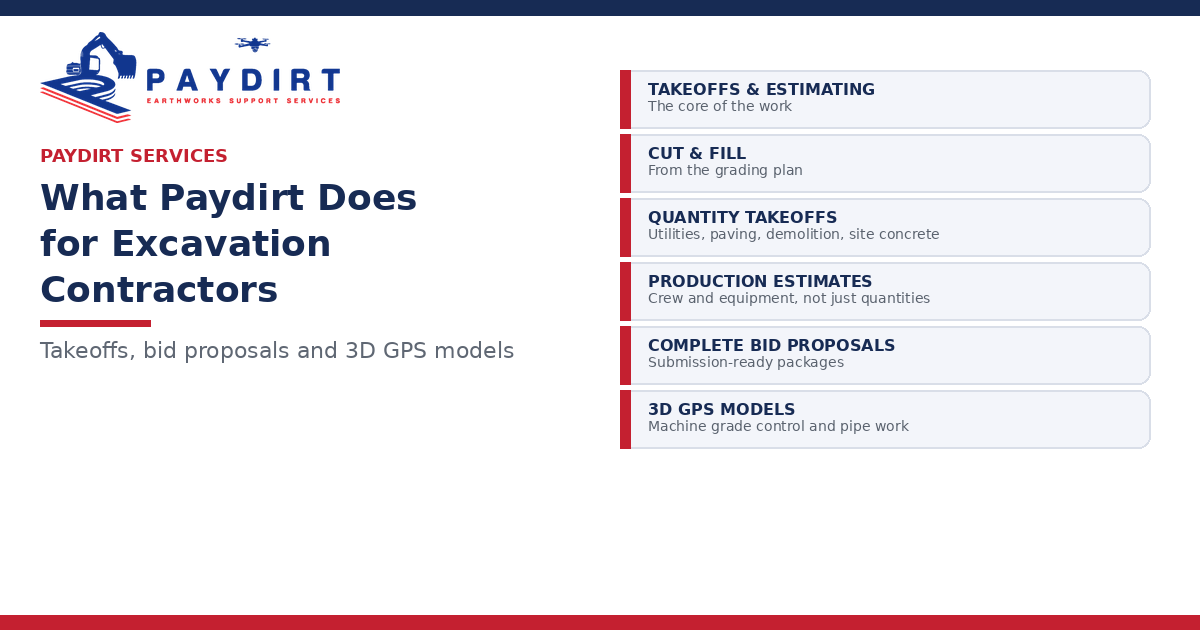
A clear look at what Paydirt does: takeoffs and estimating, production estimates, complete bid proposals and 3D GPS machine control models — with 3 sets of eyes on every project.
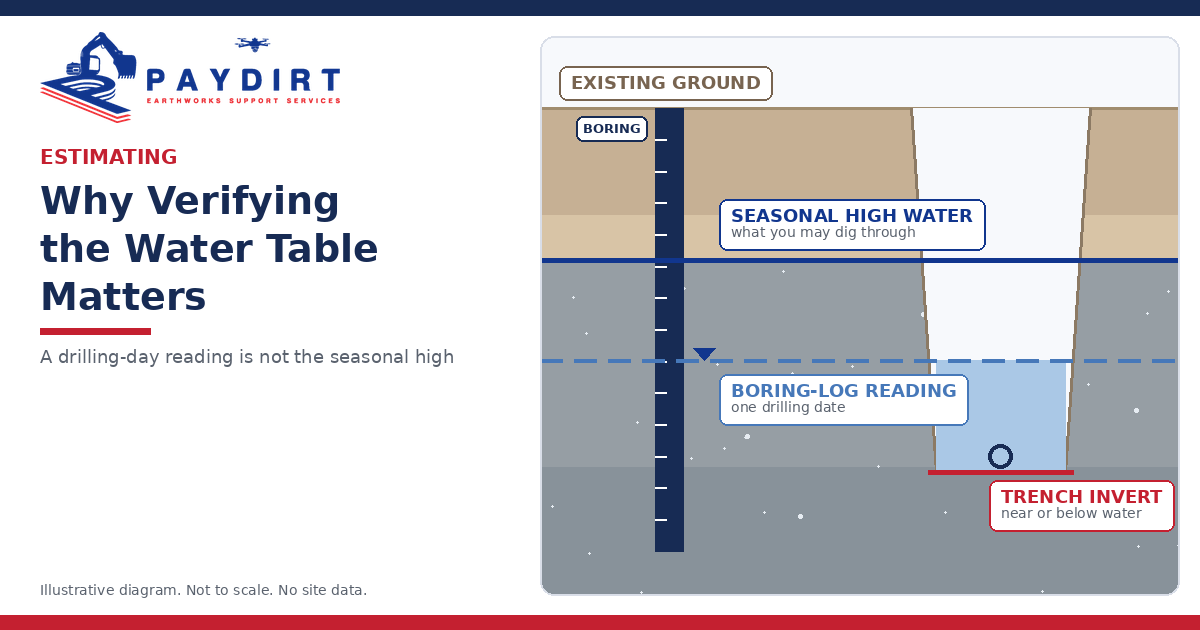
A water level recorded on one drilling date is not the same as the high water you’ll dig through. Here’s what to check before you lock the number.
Most cut/fill misses hide in three spots on the grading plan: contours, spot elevations and margin notes. A five-minute desk check before you lock the number.
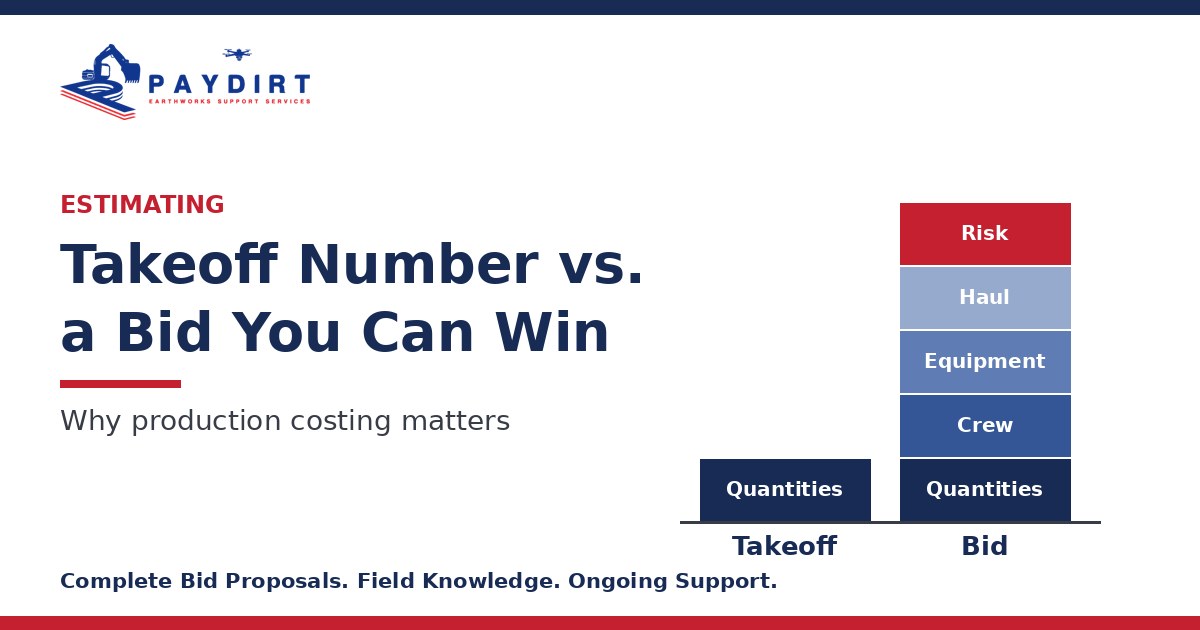
A takeoff tells you how much dirt. Production costing tells you what it costs to move it. Here’s how to turn excavation quantities into a bid you can win.